Free Shipping on Orders Over $100
← Back to Blog

5 Tips to Score Your Favorite OVO Merch on Drop Day

Master the art of securing OVO limited drops with these 5 insider tips. From account setup to browser tricks, beat the rush and get the gear you want.

Table of Contents

1. Why OVO Drops Are So Competitive 2. Set Up Your Account and Payment Method in Advance 3. Follow Our Announcements and Social Channels 4. Know Your Must-Have Items and Sizes 5. Speed Up Checkout with Autofill and Browser Tricks 6. Stay Calm and Have a Backup Plan - -

OVO's limited drops often sell out in minutes, with some sizes disappearing in seconds. In a recent drop, the entire collection was gone in under 8 minutes. For fans who didn't prepare, that meant empty carts and disappointment. In this guide, you'll learn 5 proven strategies to score OVO merch on drop day. From pre-saving your payment info to browser tricks that shave seconds off checkout, these tips will give you the edge.
Why OVO Drops Are So Competitive

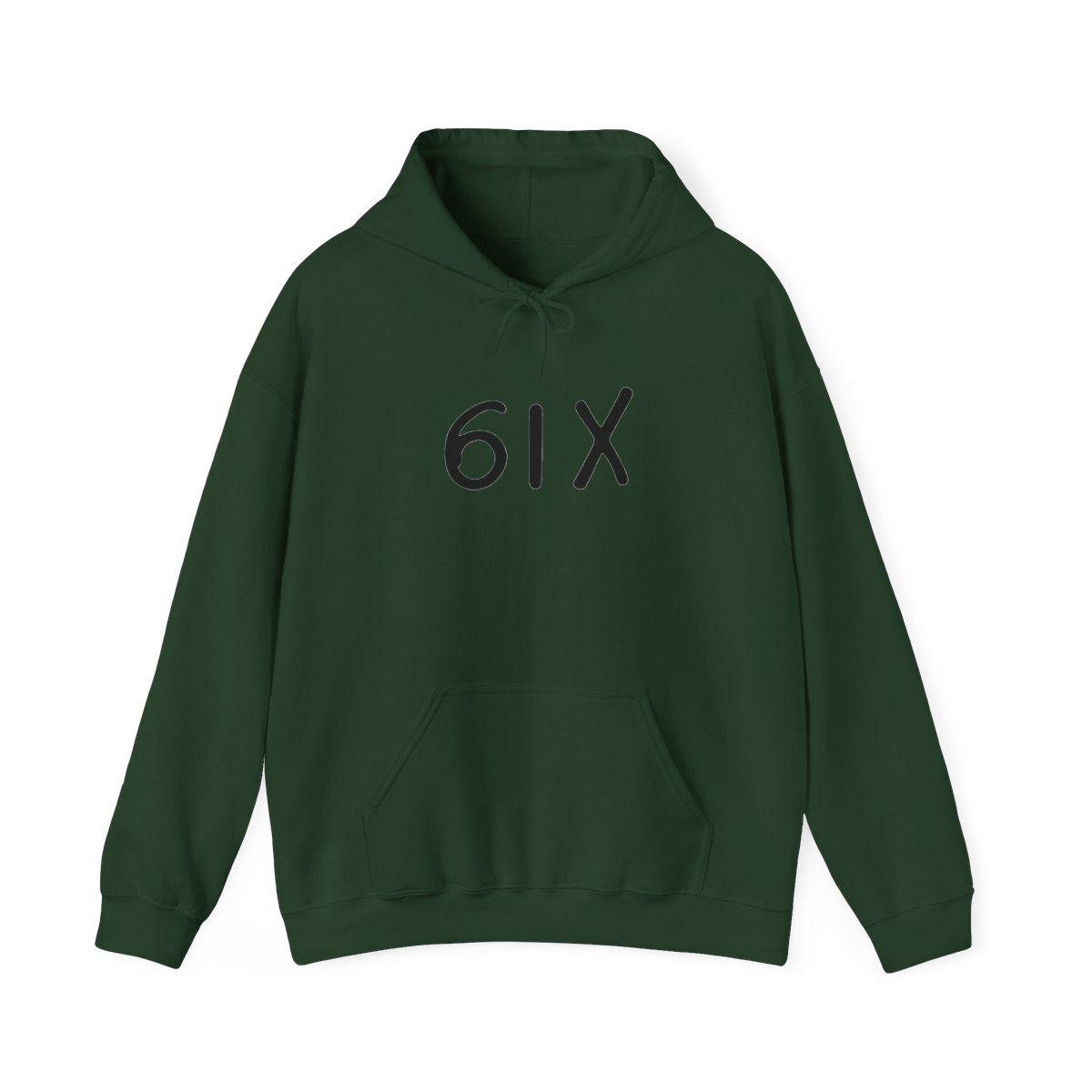
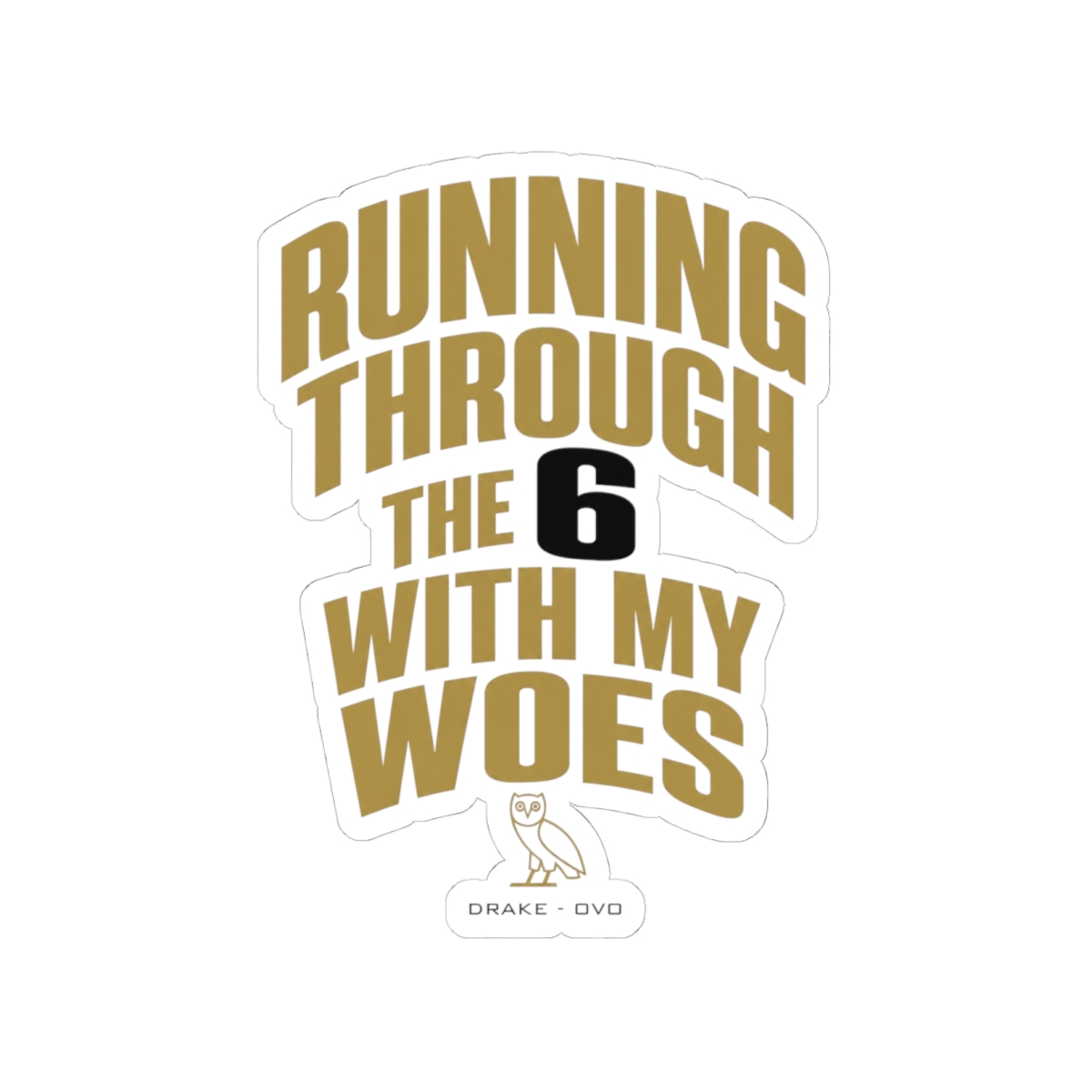
OVO's drops generate massive demand due to limited production runs and the brand's loyal following. Drake's influence drives hype, and each collection often consists of just a few thousand pieces worldwide. This scarcity creates a fierce competition where even loyal fans can miss out.

  • Limited stock: Many items are produced in small quantities, especially collaboration pieces.
  • High demand: OVO's fanbase spans the globe, all racing to purchase at the same time.
  • Resale market: Bots and resellers exploit the system, making it harder for real fans.

The Role of Bots

Bots can check out in under a second. While you can't beat them directly, you can optimize your own process to compete more effectively. Focus on what you can control: preparation and speed.

Set Up Your Account and Payment Method in Advance

One of the biggest mistakes is trying to enter shipping and payment details during checkout. Every second counts. Create an OVO account at least a week before the drop and save your shipping address. Add a default credit card or connect PayPal for one-click payment.

Why Pre-Saving Matters

During checkout, auto-fill can sometimes be slow or fail. By having your account with saved info, you can skip the form entirely. Test your account earlier to ensure everything works. Also, enable two-factor authentication for security but turn it off temporarily before the drop if it adds extra steps.

In my experience as a merch designer, I've seen many fans lose out because they forgot their password or had to update a card. Do this ahead of time.

Follow Our Announcements and Social Channels

Drop dates and times are announced on OVO's official social media and newsletter. Turn on notifications for @OVOSound on Twitter and Instagram. Also sign up for the OVO email newsletter to get updates directly in your inbox.

Set Reminders

Use a countdown app or set alarms for 5 minutes before the drop. Many fans miss out simply because they forgot the exact time. Some drops happen unexpectedly, so staying plugged into the community helps.

Know Your Must-Have Items and Sizes

Before the drop, browse the lookbook and decide which pieces you want most. OVO sizing varies by item: hoodies often run oversized, while tees fit true to size. In my work with print-on-demand, I've noticed that cotton blends shrink slightly after washing, so consider sizing up for a relaxed fit or down for a snug look.

  • Hoodies: Go true to size for a standard fit, or size up if you prefer an oversized look.
  • Tees: Typically true to size, but pre-washing can cause minor shrinkage.
  • Hats: OVO hats come in adjustable or fitted; check the size chart.

Have Priority Rankings

List your top 3 items in order. If your first choice sells out, be ready to grab the second. This prevents hesitation during checkout.

Speed Up Checkout with Autofill and Browser Tricks

Beyond saved accounts, use browser autofill for your shipping and billing info. Ensure your browser (Chrome, Safari) has your address and credit card saved. On mobile, use Apple Pay or Google Pay for near-instant checkout.

1. Enable autofill in your browser settings. Test it on another site to confirm it works. 2. Use a paid speed extension like Opera GX's Free VPN or a script blocker to reduce page load times. Avoid ad blockers that might interfere. 3. Open the product page in a new tab before the drop. Have the checkout page pre-loaded if possible. 4. Use a wired internet connection instead of Wi-Fi to reduce latency.

I've found that using a dedicated device just for the drop can prevent interruptions from other apps.

Stay Calm and Have a Backup Plan

Even with perfect preparation, things can go wrong. Payment might fail, or your size might sell out. Don't panic. Switch to your backup item immediately. If everything sells out, don't buy from resellers at high prices. Wait for the next drop or check back for restocks.

Restock Possibilities

Some items get restocked after the initial drop if cancellations occur. Keep an eye on the site for 10-15 minutes. If you missed out, follow community threads for stock alerts.

The Big Picture

Missing one drop isn't the end. OVO releases new collections every few months. Stay patient and apply these tips to future drops. With practice, you'll improve your success rate. - -

Key Takeaways

  • Prepare your account and payment method at least a week before the drop.
  • Follow OVO's official channels and set multiple reminders.
  • Know your preferred sizes and have backup items ready.
  • Use browser autofill, Apple Pay, or Google Pay for faster checkout.
  • Stay calm if things go wrong; avoid reseller markups and wait for the next drop.

FAQ

How fast do OVO drops sell out?

Most OVO limited drops sell out within 5-10 minutes. Popular sizes like Medium and Large often disappear first, sometimes in under a minute.

Can I use multiple devices to increase my chances?

Yes. You can log into your OVO account on a phone and computer, but be careful not to trigger security measures. Use each device for different items to avoid confusion.

What's the best payment method for speed?

Apple Pay and Google Pay are fastest because they require only a fingerprint or face scan. PayPal also works well if you have it saved.

How do I know when a drop is happening?

Follow OVOSound on social media and subscribe to the newsletter. Announcements typically go out 24-48 hours before a drop.

Is there a limit on how many items I can buy?

Yes, OVO often enforces a per-customer limit of 2-3 items per style. This helps prevent bulk buying by resellers.

Related Posts

Shop Drake (OVO) Merch

Official merchandise — premium quality, designed for the community.